How to Upgrade to the Annual Subscription
- Navigate to our Member Portal here.
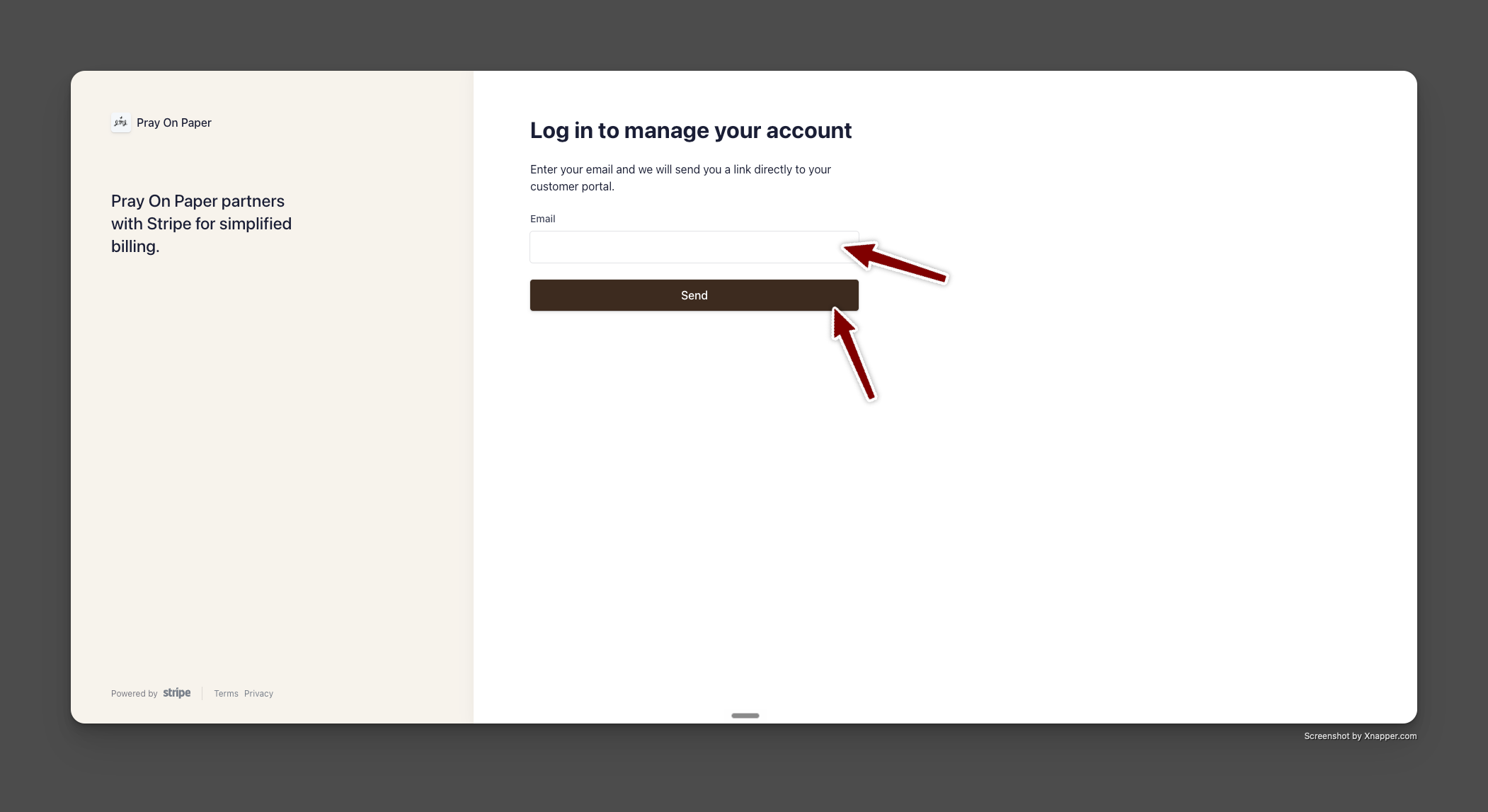
- Enter the email address that you used to create your subscription.
- Click 'send.'
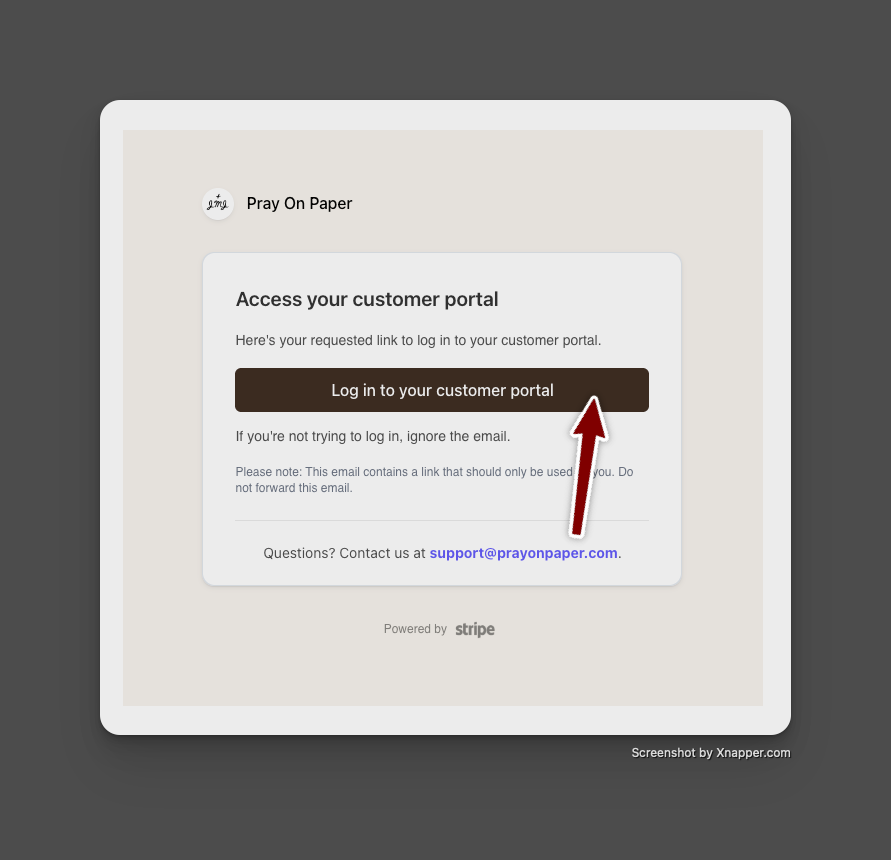
- Open your email inbox and find the email "Your customer portal login link"
- Click the button that says "Log in to your customer portal."
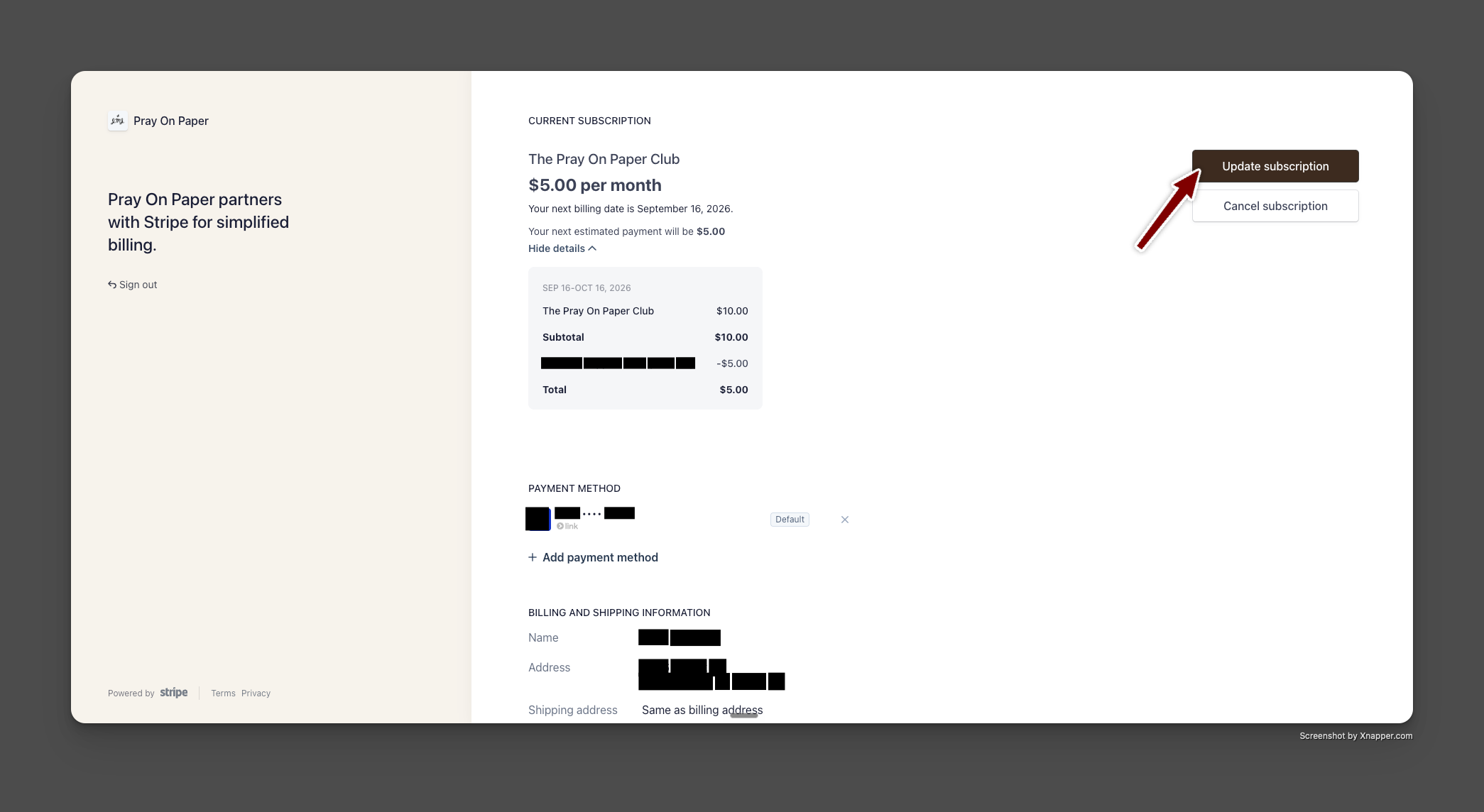
- Inside the Pray on Paper portal, click 'Update Subscription' in the top right.
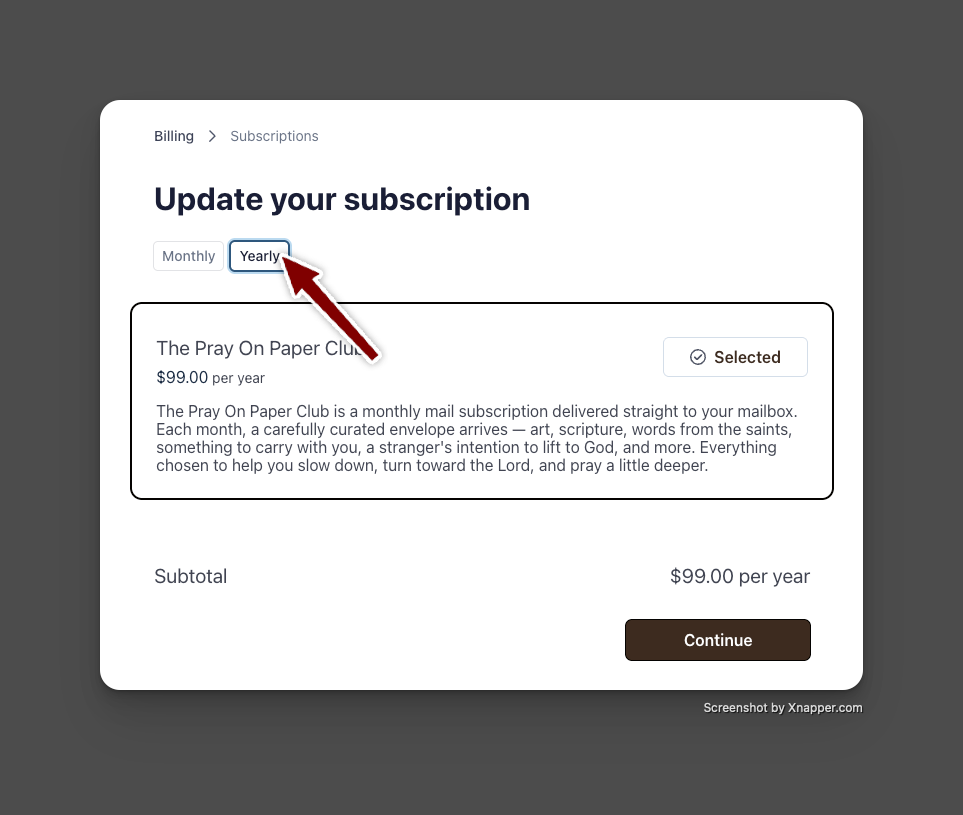
- Under 'Update your subscription,' select "Yearly."
- Click "Continue."
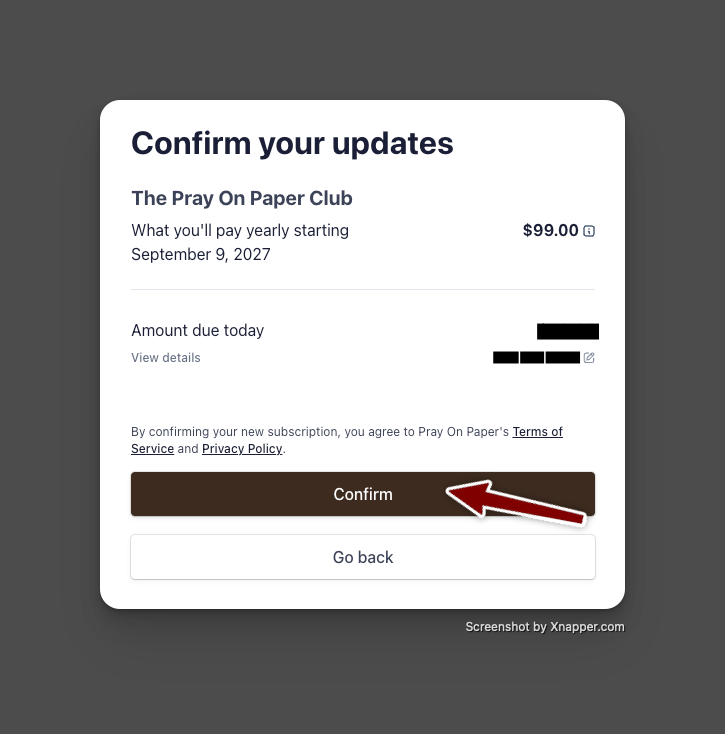
- Review the 'Amount due today,' then click "Confirm."
Did this answer your question?
Thanks for the feedback
There was a problem submitting your feedback. Please try again later.

